Torque
maximum differenceSPM0.46%
Flat IPM1.99%
V IPM0.10%
 coilEMDeveloper preview
Move from geometry to mesh, torque, back-EMF, and field results in one local workflow—with solver and benchmark context visible.
Available now from source. Run coilEM locally and explore the examples.
Experimental developer preview. Motor accuracy qualification is still in progress. Read the validation status ↗

Use the Geometry, Mesh, and Field buttons to change the engineering view. The component buttons toggle visible motor parts. Pointer users can drag the model to orbit and scroll to zoom. On touch screens, swipe sideways to orbit; vertical swipes continue the page. Double-click, double-tap, or use the fullscreen button for an immersive 3D view. In fullscreen, use the Explode slider to separate the motor assembly.
One clear workflow
Benchmark evidence
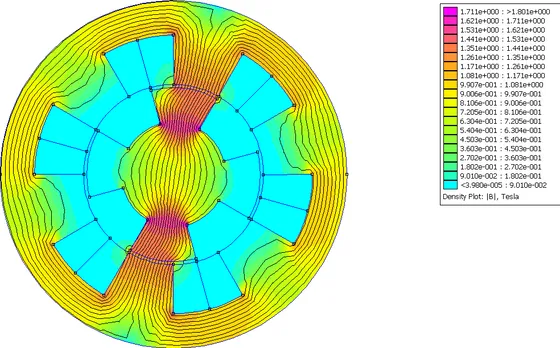 Reference solverFEMM2D finite-element magneticsFEMM example ↗
These development benchmarks include configurations beyond the public preview. See current public validation ↗
Tutorials
Get started